
Interactive email template
Make your emails truly engaging with interactive email templates that go far beyond ordinary static designs. We build smart features like image carousels, hover effects, clickable tabs, forms, and dynamic content that encourage your subscribers to interact and take action.
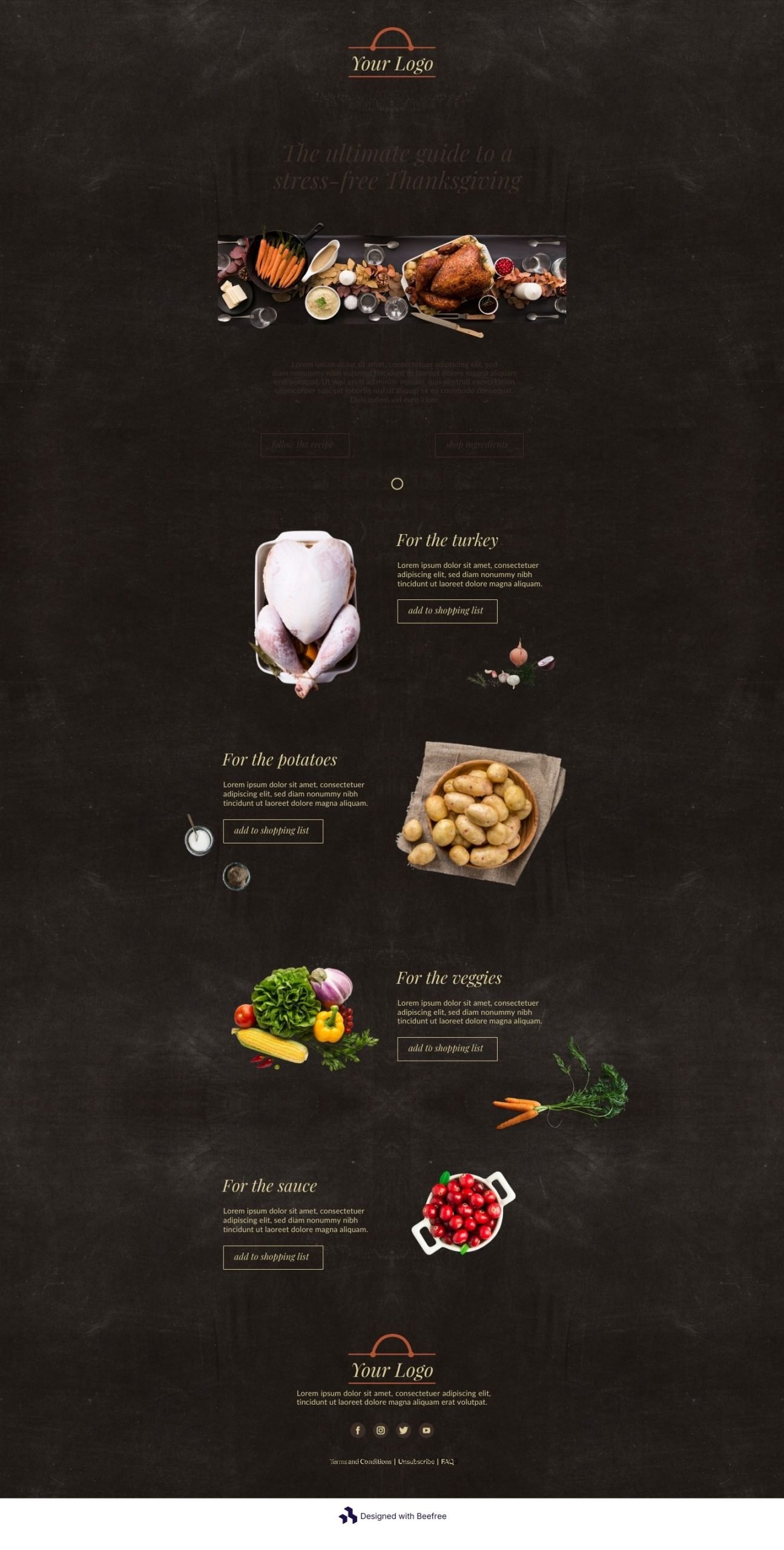
Interactive Email Template Samples
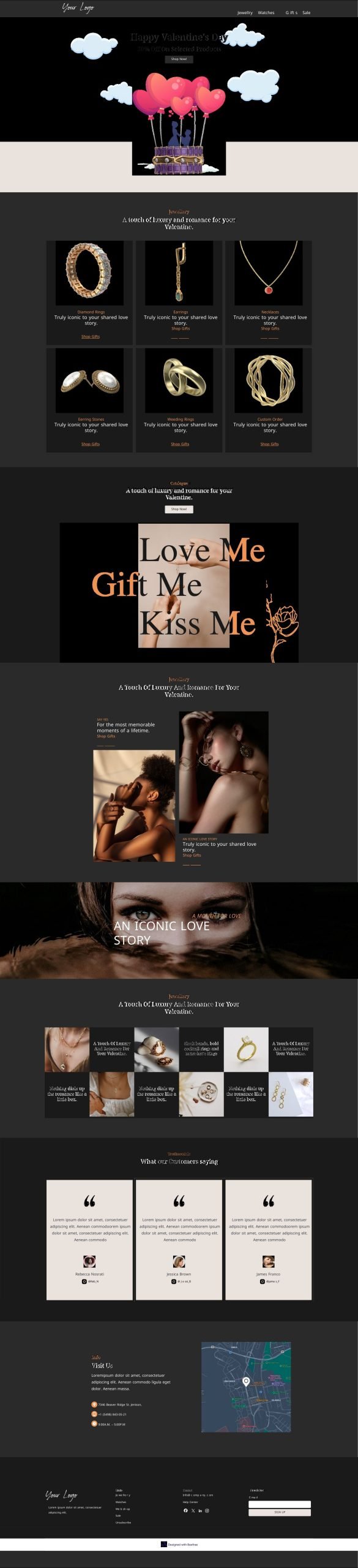
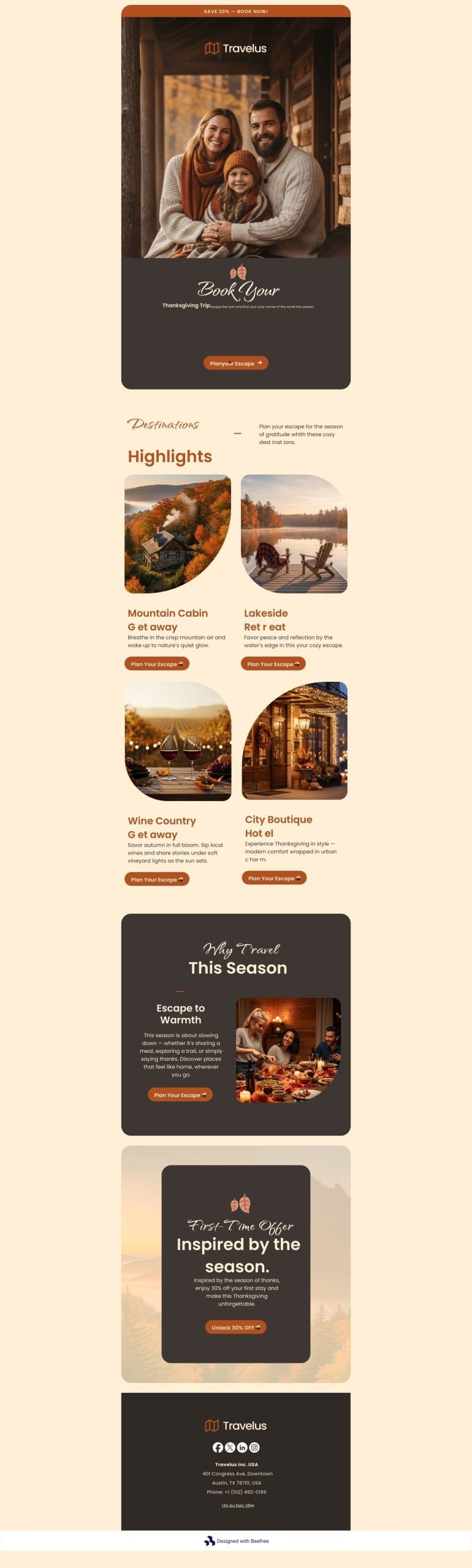
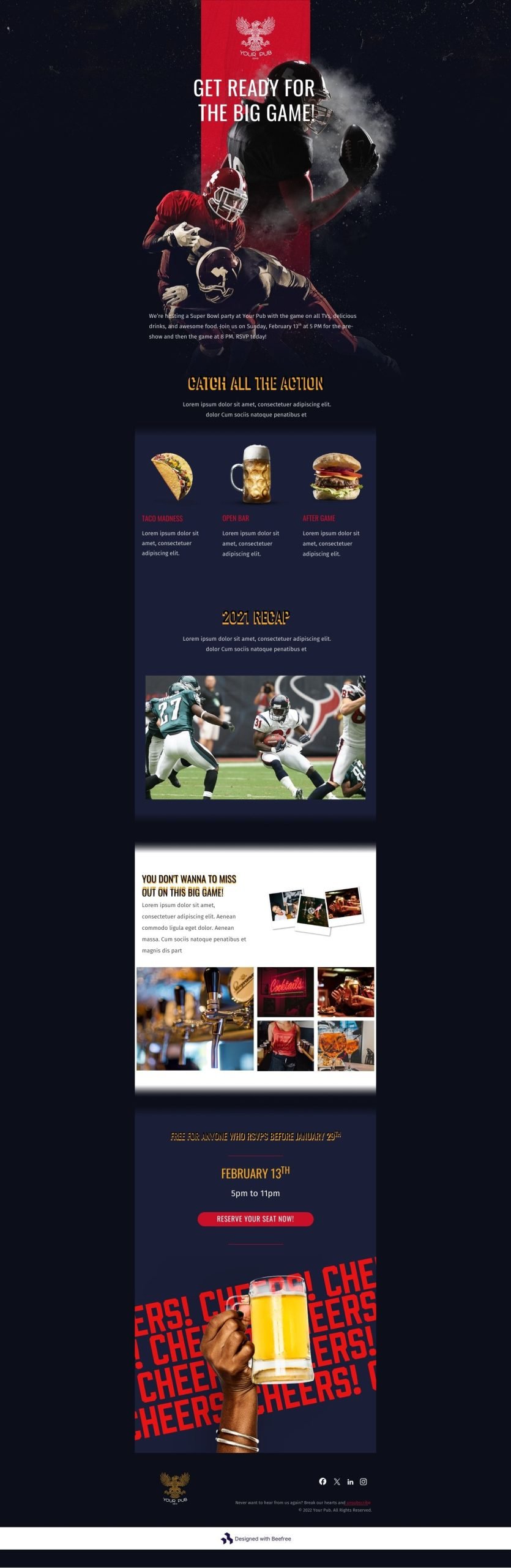
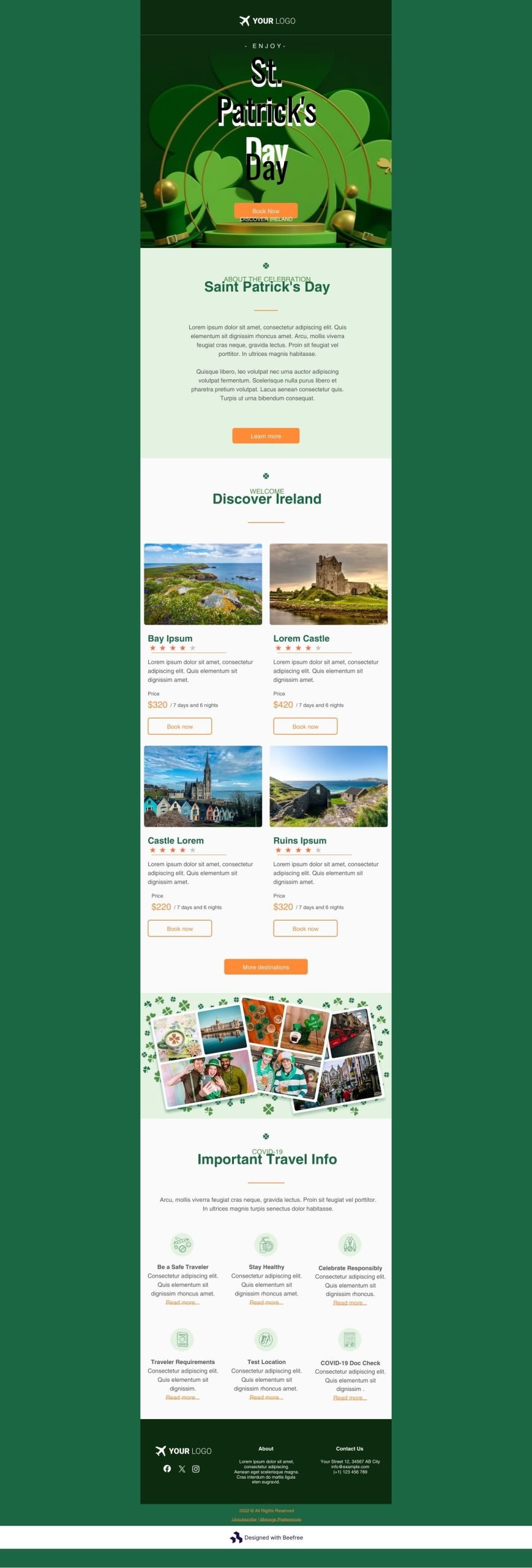
Types of Interactive Elements
Dynamic Visuals & Interactive Engagement
Bring your emails to life with captivating interactive email templates featuring clever hover effects that reveal hidden details, instantly change button colors, showcase product info, and create delightful visual surprises without a single click.
We design smooth CSS-powered interactions that work beautifully in Apple Mail, Outlook for Mac, and other modern clients, while smart fallbacks ensure flawless display everywhere.
From image swaps and elegant color transitions to animated icons and subtle overlays, every element boosts engagement, encourages exploration, and drives higher conversions all while maintaining fast load times and perfect deliverability.

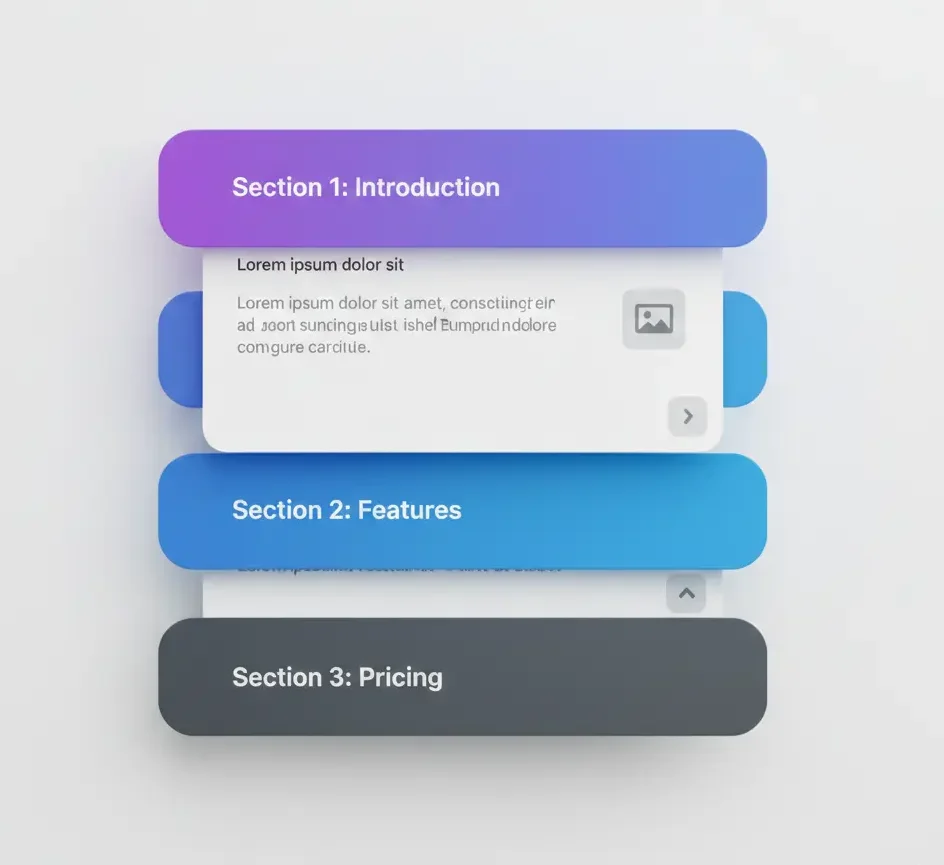
Accordion / Collapsible Sections for Enhanced UX
Give your subscribers a cleaner, more engaging reading experience with smart accordion and collapsible sections in your interactive email templates. Readers can easily expand or collapse content blocks to view product details, FAQs, pricing tiers, or additional offers with a simple tap keeping emails concise yet information rich.
These dynamic interactive email templates use progressive enhancement so they work smoothly where supported and gracefully degrade in other clients. Perfect for lengthy content like comparison tables, event schedules, or multi-product showcases.
Improve user experience, reduce scroll fatigue, and boost interaction rates while maintaining excellent email client compatibility and fast loading times.
Carousels / Sliders to Showcase Multiple Products
Showcase multiple products beautifully in a single email with smooth, interactive carousels and sliders inside your interactive email templates. Subscribers can swipe through various products, offers, or images effortlessly perfect for e-commerce collections, lookbooks, or seasonal campaigns without making the email overly long.
These dynamic interactive email templates are built with progressive enhancement, ensuring they work reliably across supported clients while maintaining clean fallback designs for maximum compatibility.
Increase engagement, highlight more items, and drive higher click through rates with this modern, space saving interactive format that feels native and delightful to use.

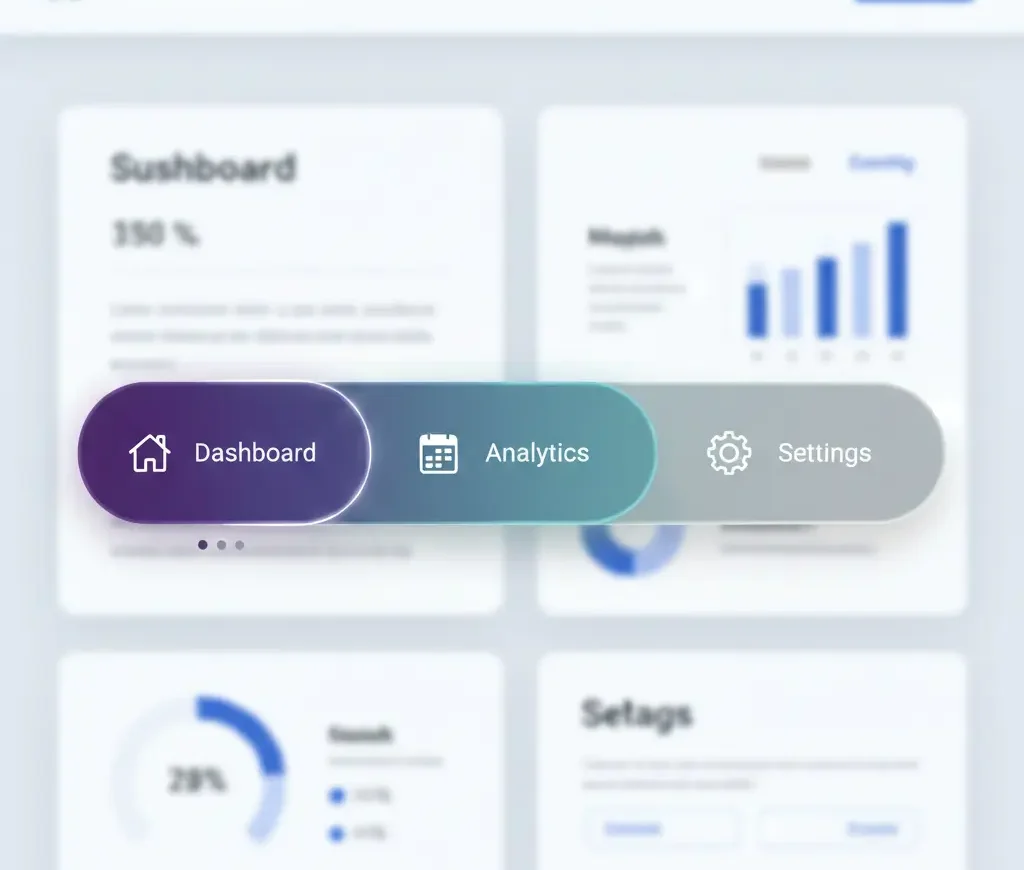
Clickable Tabs & Buttons for Simplified Navigation
Simplify complex information with clickable tabs and smart buttons that let subscribers navigate effortlessly within your interactive email templates. Readers can switch between categories, product variants, features, or offers with a single tap making your emails feel like mini websites while staying perfectly email-friendly.These dynamic interactive email templates improve user experience by reducing clutter and guiding attention exactly where you want it. Ideal for comparisons, multi-step offers, service packages, or content tabs.
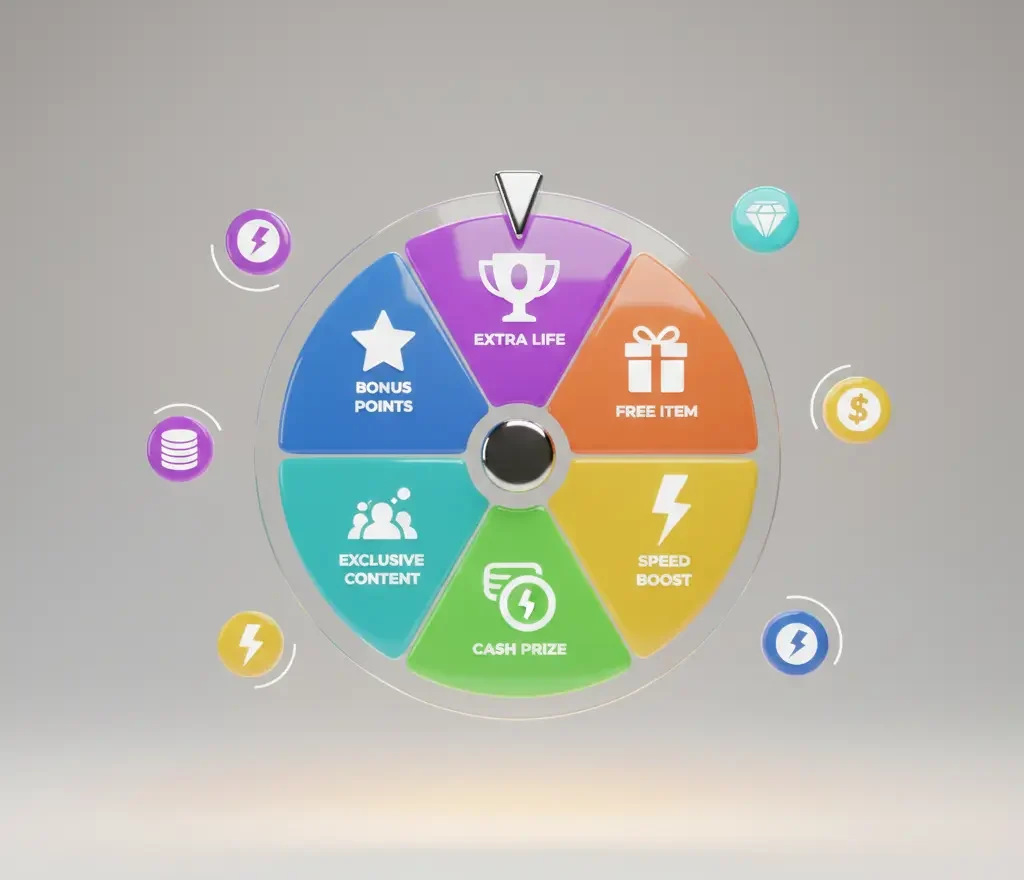
Spin the wheel, Scratch Cards, and Polls
Add excitement and boost interaction with fun gamification elements like spin the wheel, digital scratch cards, and quick polls directly inside your interactive email templates. Subscribers can spin for discounts, scratch to reveal offers, or vote in polls creating memorable experiences that dramatically increase engagement and click rates.
These dynamic interactive email templates are carefully built with progressive enhancement, ensuring they work smoothly where supported and display cleanly everywhere else. Perfect for promotions, product launches, customer feedback, and loyalty campaigns.
Turn passive readers into active participants and watch your open to conversion rates soar with these entertaining, high-converting interactive features.
Types of Interactive Elements

Hover Effects
Dynamic visuals when users hover
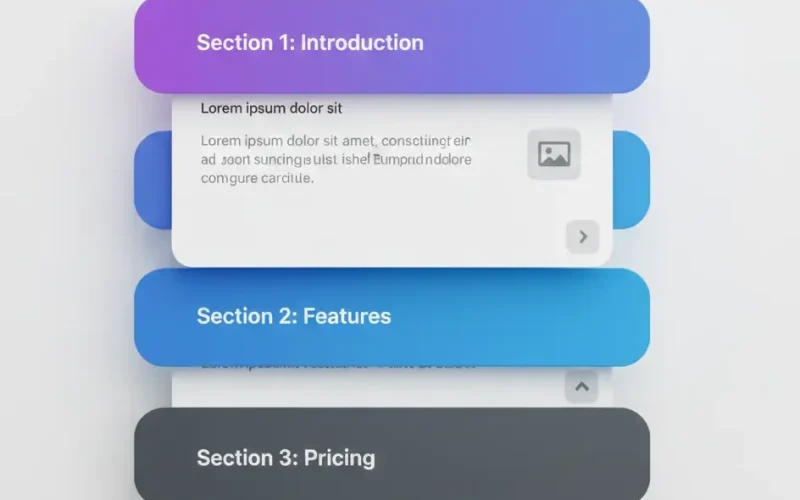
Accordion / Collapsible Sections
Expandable content for better UX
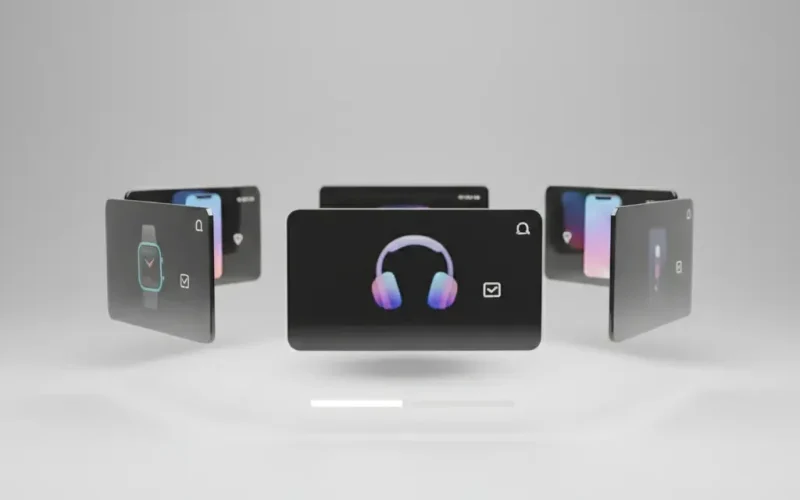
Carousels / Sliders
Showcase multiple products or promotions
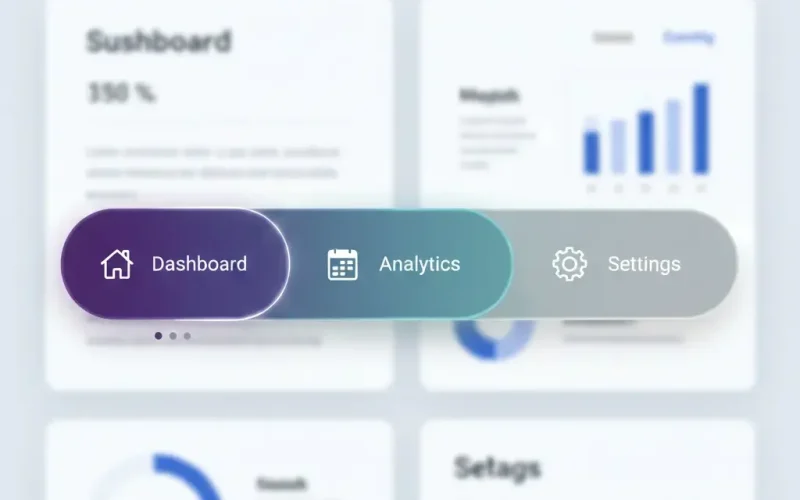
Clickable Tabs & Buttons
Simplified navigation inside emails
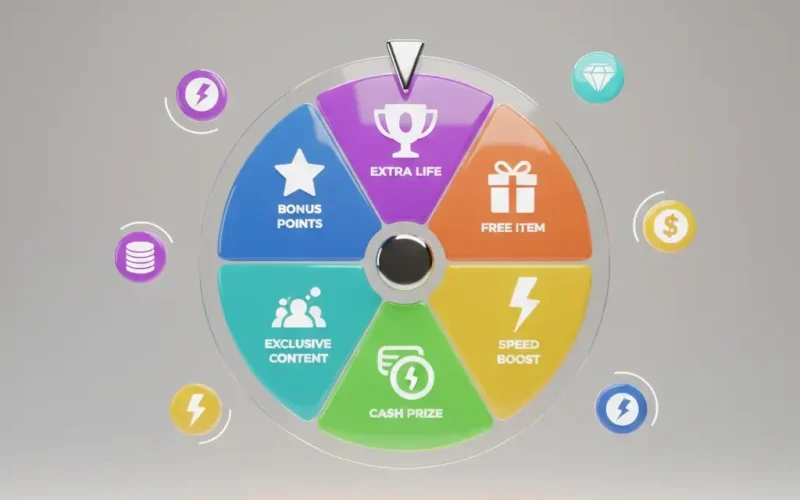
Gamified Elements
Spin-the-wheel, scratch cards, and polls
Our Process
Strategy
We dive deep into your goals, audience behavior, and client landscape to handpick explosive interactive elements that will skyrocket engagement and conversions.
Design
We craft jaw-dropping interfaces with buttery smooth animations, addictive flows, and smart prototypes that make subscribers stop scrolling and start clicking.
Development
We engineer high voltage interactive email templates using cutting edge CSS, AMP magic, and clever fallbacks that deliver wow moments across every inbox.
Testing
We mercilessly test every click, hover, and swipe across all major email clients and devices so your interactions fire perfectly every single time without fail.
Deployment
We launch your interactive email templates with seamless ESP integration, sharp analytics, and real-time tracking turning them into powerful revenue machines.
Frequently Asked Questions
What is Interactive email template?
An interactive email template includes clickable, dynamic elements like carousels, forms, and polls to boost engagement.
How to make interactive html email templates?
They are made using advanced HTML, CSS, and sometimes AMP for Email with careful client compatibility testing.
Create interactive email signature templates?
They are designed with HTML elements that include clickable links, icons, and branded interactive components.
Best platforms for interactive email templates?
Popular platforms include Mailchimp, Klaviyo, HubSpot, and Salesforce Marketing Cloud with AMP support.
How to create an interactive email template?
Use HTML, CSS, and AMP Email to add dynamic features while ensuring cross-client compatibility.